Side projects & how I think about AI

AI as Design Material

Designing with it. Designing for it.

Most of my professional AI work sits behind NDA. These are some AI focused side projects to give you insight into how I think about designing for AI products, and how I leverage AI to accelerate my design process.

A few things I've learned building with AI

These are quick notes on how I approach designing for and with AI, pulled from the projects above. Nothing here is meant to be the final word. Think of it as a working sketch of where my head is right now.

Designing AI Products

01

For LLM driven features, prompts are a design deliverable.

A lot of the meaningful behavioral nuance of an AI product happens inside the prompt. The wording, the scope, what the model will and won't do, what it sounds like. It's a chunk of the experience that is invisible to users, but it's often the biggest lever on whether the thing feels good or bad to use.

I treat any in-system prompts like a tracked design artifact. It goes through revisions, gets tested against real cases, and eventually gets solidified. Often times I find myself iterating more on the LLM behavioral prompting than the interface itself.

02

Curating context is a design problem.

What you decide to give your AI model as context matters a lot for the final experience. Unfortunately, you won't get good results just sending over "everything" and hoping for the best. The more context you send, typically the longer your return trip for a result takes. On top of this, not all context should be weighted equally. Ensuring you provide just the right amount of context, and that there are guides for how to weight each piece of it, is an important design decision that dictates how fast and savvy your AI enabled product will interact with your users.

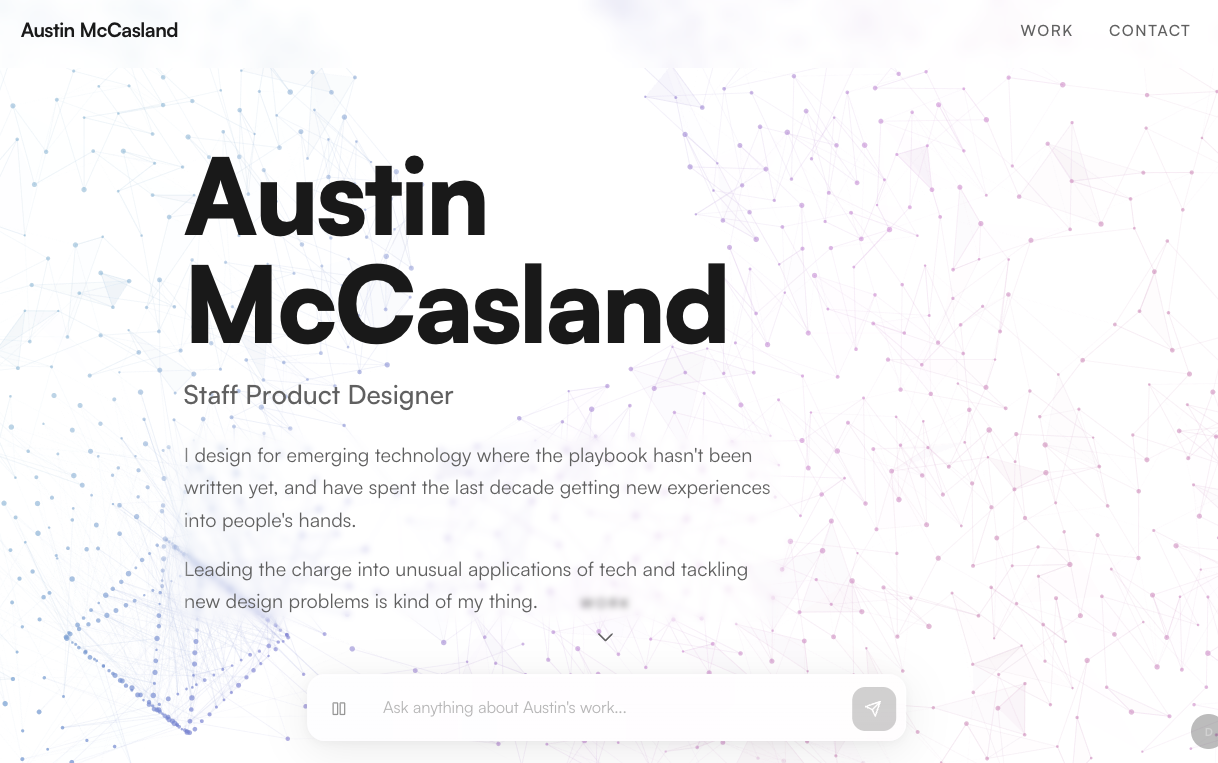
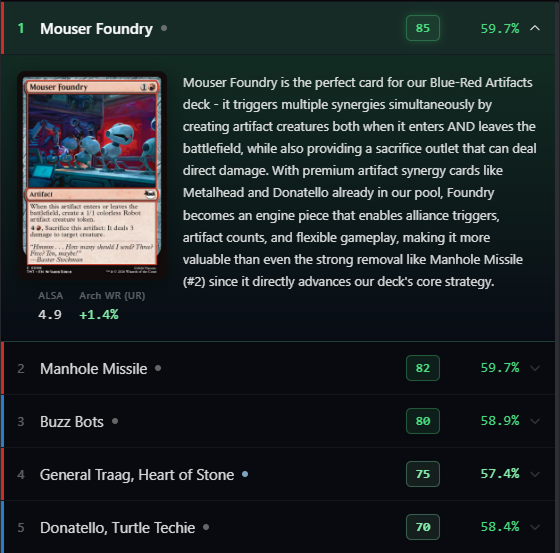
This doesn't mean you can't send a lot of context, but you need to have a good reason to do so. On this portfolio I give the AI a ton of context - everything on the site plus enrichment notes it can pull from. The bet is that the context serves a dual purpose as a sort of database for information. On the Magic Draft Assistant I have about a minute before the user has to pick, so every token has to earn its spot, and I apply much more rigor to how I compile and send context to the servers. Same problem, different ends of the curve.

03

That's not flying, that's failing with style.

Before the advent of the current power of LLMs, I worked on several AI products such as Google Lens - and one of the key things I always tried to target were use-cases where there was no real failure state. For example, if you show shopping results that look similar to the picture you took of an outfit, as opposed to trying to give them the exact clothing, then even if you are directionally correct you haven't failed. My thinking on that has changed with current AI products and capabilities.

You can now be more ambitious in delivering specifics to your end users - but your product WILL fail sometimes. The LLM will hallucinate, it will go off the rails, it will say 2+2=Apple. Your goal is obviously to guide it to states and circumstances where it fails less, but there's no way to avoid it entirely. You need to ensure that there are escape hatches for users, resets, and importantly, ways to get your AI product back on track. Failure cases are not edge cases, they are a primary use case you have to consider with the current state of tech.
Designing as an AI Native

04

Bespoke tools for your workflow are now cheap to make.

When you're just a prompt or two away from something that helps your workflow it's worth spinning up tools for your own use, not just the product.

On Magic Draft Assistant I built a draft simulator to test the grading model on replayed drafts for quick automation and testing. On this portfolio I built a dev mode with an inline chat that lets me workshop copy on the actual rendered page. I even built an "interview" tool to ask me probing questions to help round out the knowledge database for the portfolio AI you see here. These all took less than an afternoon to build, and saved tons of time while helping firm up the product.

Software used to be expensive and hard to make. Now it's easy, so it's worth spinning things up for even small scale tasks you never would have thought of before, even as a one time use tool.

05

Iteration happens on the product, not in Figma.

While Figma and other design tools are still quite useful, for the core product iteration, I often find myself roughing things out in Figma, then standing it up in code. From that state, it actually is much faster to simply do design iterations while prompting, perhaps creating the occasional reference image. This has the benefit of forcing you to confront all the small details that add up to a highly polished experience, mitigating loading state boredom, creating smooth transitions between states, polishing all the small bits that you don't experience when iterating in static mocks.

When leveraging AI to iterate on product design, a working product or prototype becomes the design reference. Handoff becomes sharing a code pointer. Design reviews become demos. The bar for end to end thoughtfulness goes up, because there's no way the small details can be omitted. The time it takes to have a working prototype has dramatically decreased, but the need for design rigor and craft has only amplified.

06

There's never been a better time to understand how code works.

When AI really started to upswing, I was worried that my superpower of being able to code and prototype as well as design was being effectively made moot. In practice however, having built many software products and understanding common patterns, pitfalls, and things to look out for turns out to be a force multiplier for an already supercharged AI workflow.

Having deep technical expertise, knowledge of software architecture, and fundamentally understanding how things work under the hood (at least in broad strokes) is the differentiator between "vibe coding" and "superpowers".