Quest Mixed Reality Platform
Designing the spatial computing platform behind every Quest MR experience
Mixed reality is only immersive when the device's understanding of the world matches our own. When we first embarked into MR for the Quest 3, the way it understood the physical world was decidedly NOT that. A rectangular box with a couple other boxes. No mesh for details. No semantic labels. No way to handle changes in space.
So how did we get it there? We built. A lot. Prototypes settled more arguments than any doc or deck ever could.
I led platform design across many of Quest's mixed reality capabilities, from the scene model and Instant Placement, to persistent spatial anchors, and more.
The platform behind every Quest MR experience
The spatial capabilities we designed and built power every MR experience on the platform, from first-party titles to the third-party developer ecosystem.
Quest 3 shipped as a mixed-reality-first device, partly due to the influence of this body of work. When you first put on a Quest 3 or 3s, you see your space in passthrough instead of a holodeck - you're welcome!
Rebuilding how the device sees the world
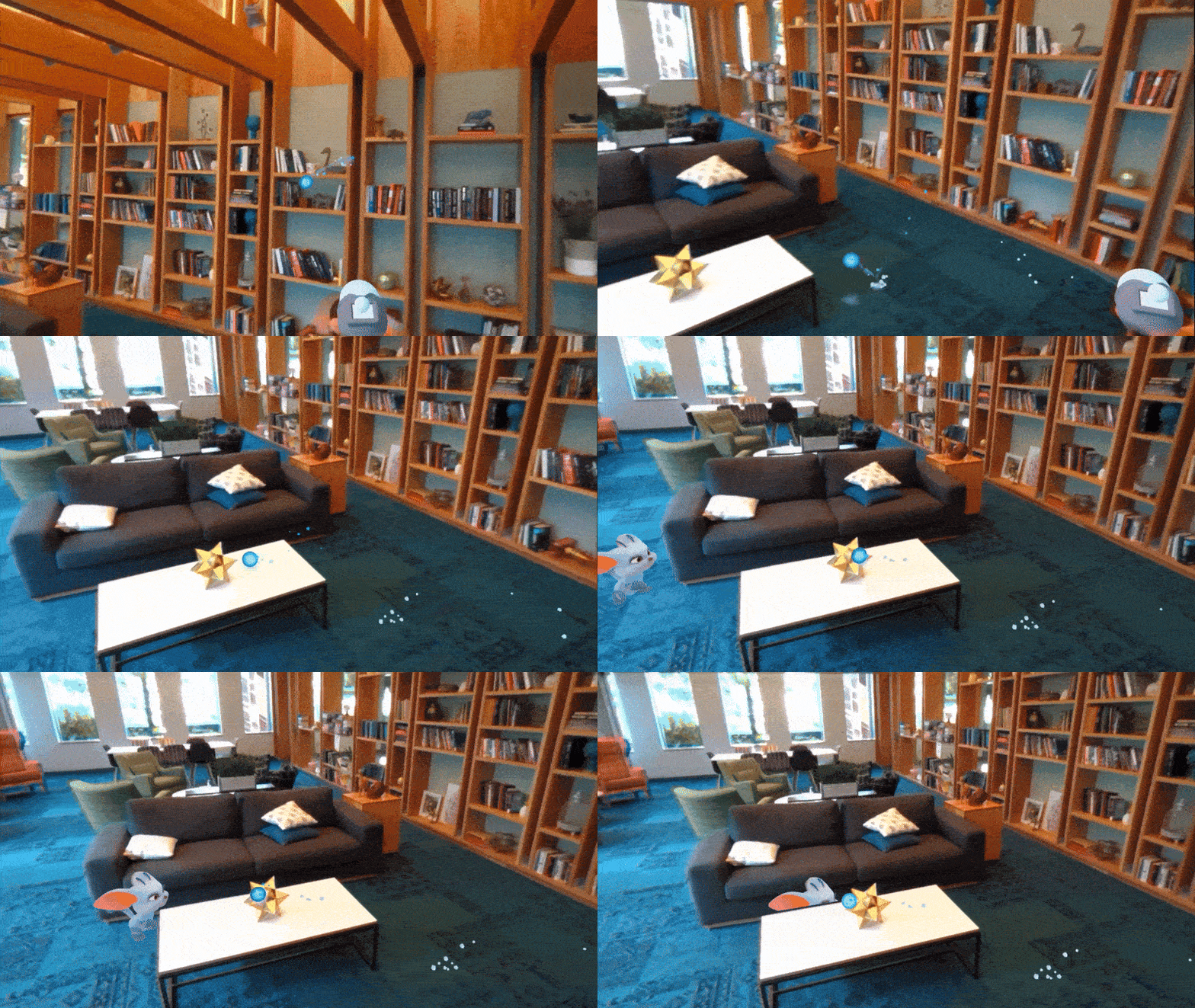
MR requires a granular understanding of the world
Quest's spatial understanding was a "room box" - a rectangular volume with bounding boxes for detected furniture. You couldn't roll a ball down a ramp, or even reliably put something on the seat of a chair.
Interactions that depended on spatial accuracy like bouncing a ball off a desk, placing an object on a shelf, scene overlays, etc. would fall apart because the approximations were too coarse to be useful.
We pushed for a different approach: generating a full geometric mesh of the room. A proper mesh enabled real collisions, laid groundwork for occlusion, supported spatial reasoning, and gave developers the fidelity they needed to build compelling content. We would push this concept even further with per-object meshes and semantic identifiers, to enable truly adaptive MR.
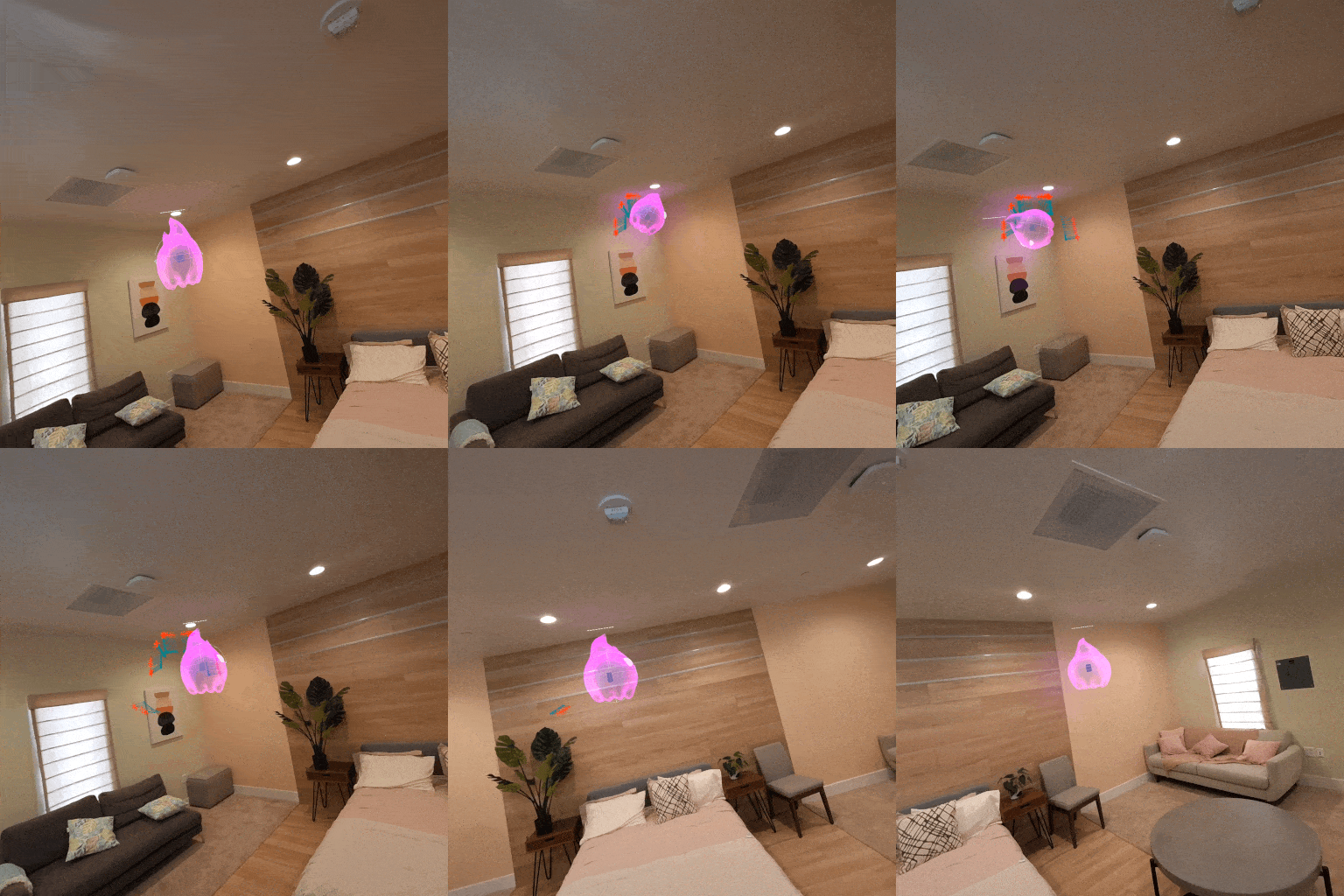
Prototyping as proof
To validate an updated version of the scene model against competing proposals, we built prototypes in tight collaboration with engineering, using them to inform engineering requirements, and get buy in on the validity of our approaches.
One of these prototypes in particular evolved into something much richer, a fully immersive showcase MR experience that highlighted all of our platform capabilities. This prototype would eventually serve as a vision piece to build conviction with leadership, a research instrument for studying quality and user value, and surfaced specific capabilities MR developers would need that didn't exist yet.
In a world of opinions, abstractions, and docs, prototypes win arguments.
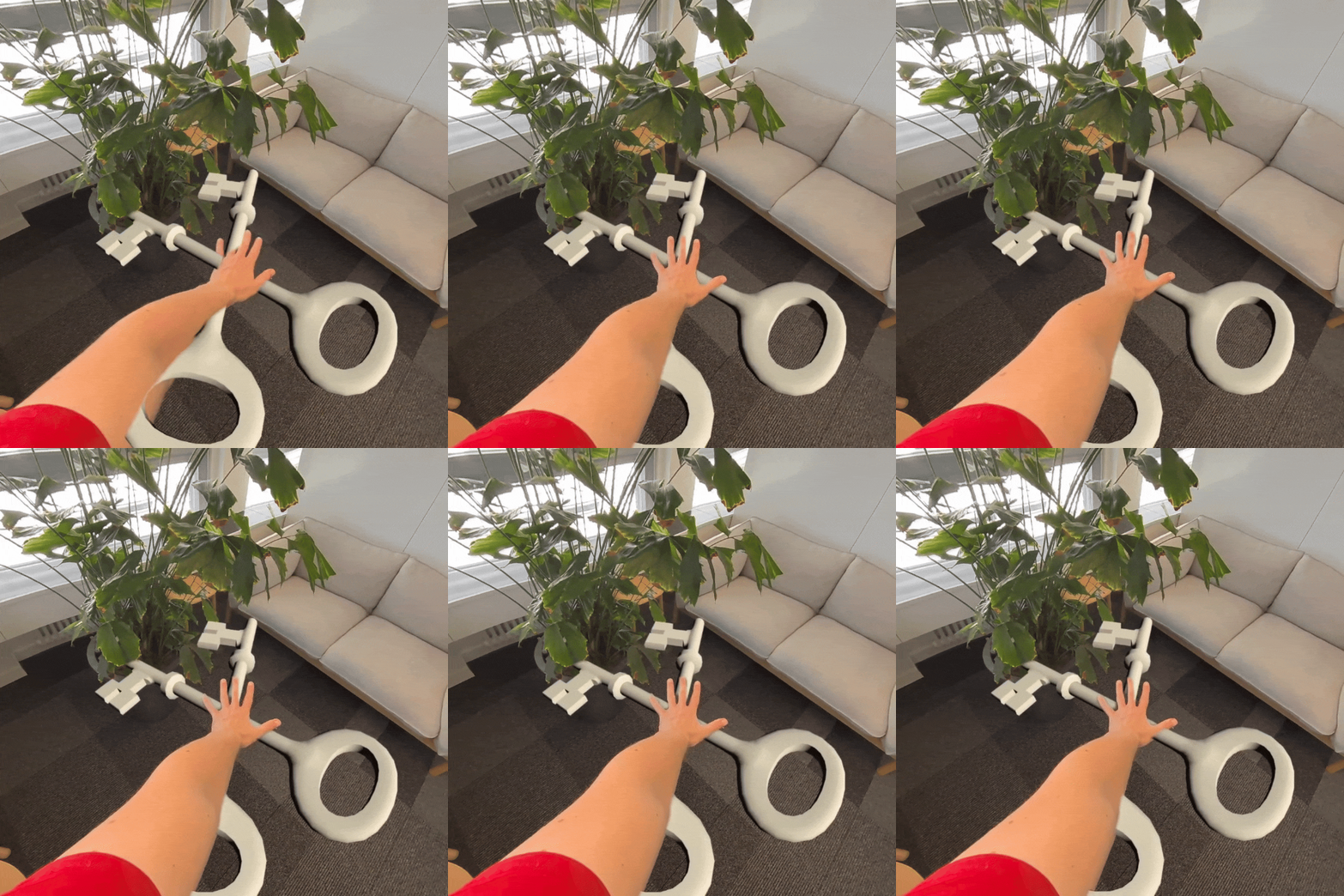
The real world isn't static
A scene model is only useful if it's accurate. Users rearrange furniture. They open doors. They move to different rooms. When we fall out of date, collisions break, occlusion misaligns, the experience degrades. Worse, users blame the app, not the stale scan. We iterated on this problem relentlessly to address it in a twofold approach:
1. Realtime technologies like Instant Placement and depth occlusion.
2. A system for updating our previously static scene model without requiring any user intervention. This system is designed to passively and securely record spatial data while the device is in use, then processes scene updates during idle periods. Every time an MR experience begins, it starts with a fresh scene model ready to go.
Setting up a scene
Assisted Scene Capture is the room scanning flow every Quest MR user encounters when setting up their space. I sat at the intersection of the platform team and the Horizon OS design team. The platform team needed specific user behaviors to produce high-quality spatial data, and the OS team needed a flow that felt effortless and didn't block users from getting into their first experience. My role was to translate and define requirements for both sides, and provide proof of experiences through prototyping to drive alignment.
The interaction conventions we established here became the foundation that allows every Quest user to set up their space for MR and frankly, to have fun doing it. The same conventions later informed the scanning flow for Hyperscape.
We made scene creation easy, but users still had to do it...
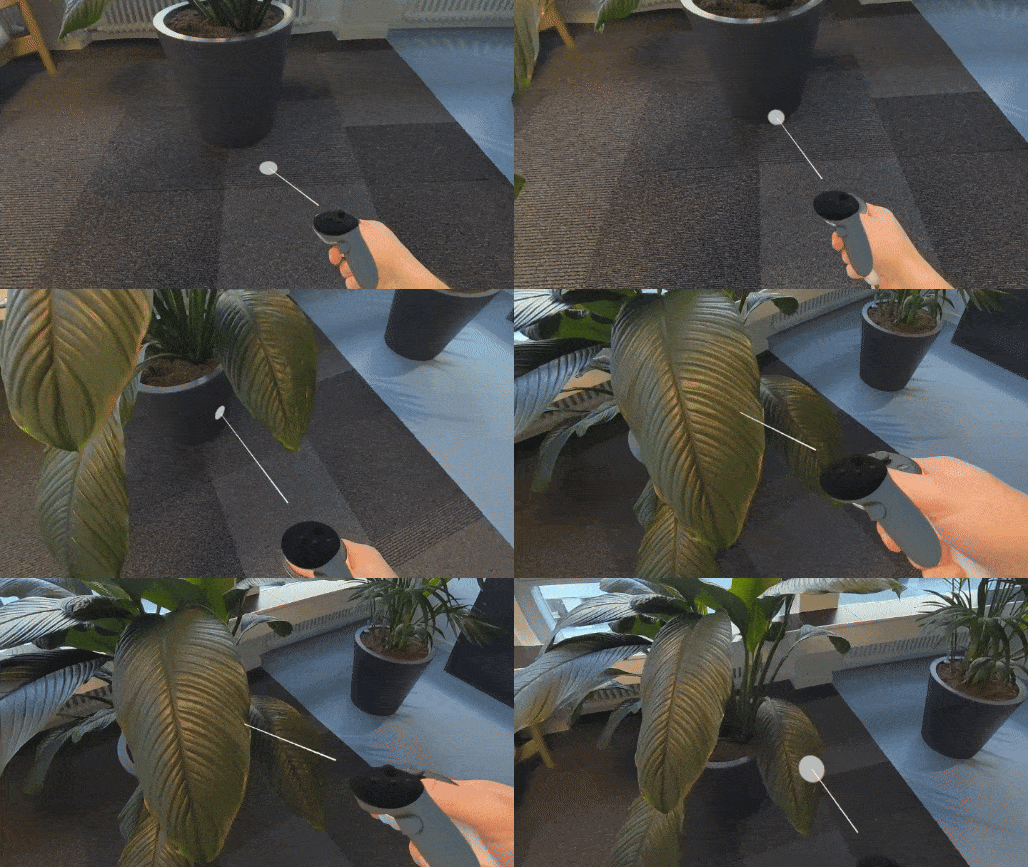
Does every MR app actually need a full scene?
Room scanning, even at its best, introduces friction. Users face a multi-minute setup before their first MR experience. Developers face a complicated new data structure for spaces they've never seen. Both contributed to measurable drop-off.
The hypothesis was simple: most MR apps don't need a full room scan. After conducting an analysis of both the existing MR and mobile AR market, we found that the majority of MR content experiences just need to place objects on surfaces. Not spatial reasoning. No navigation meshes. Not full room reconstruction.
We saw an opportunity to give developers surface-level spatial data without requiring a scan at all. Making that case meant arguing against our own more impressive technical work - the full scene model - in favor of what would actually move developer adoption. The harder pitch, and the right one.
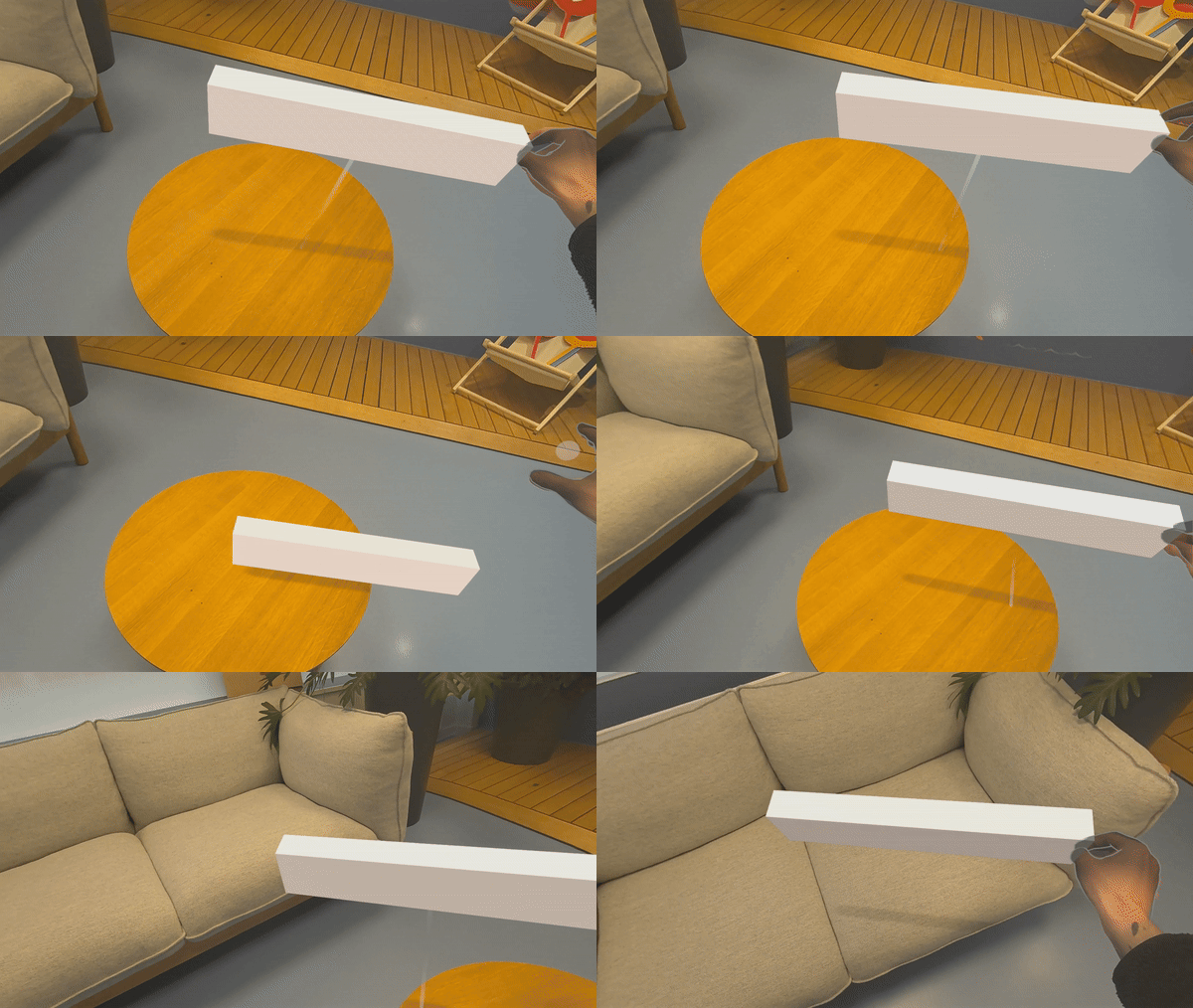
Instant Placement
We prototyped and validated an alternative: reading the device's depth buffer in real time to resolve a 3D hit point and surface normal from a controller or hand raycast, no scene model required, allowing users to enter the majority of MR experiences immediately.
We designed the API to map directly to how game engines already handle raycasting - a single call returns hit coordinates and a surface normal. If you've used Unity or Unreal, you already know how to use it.
The core technical challenge was depth noise. Raw depth data is noisy, so extensive prototyping went into smoothing strategies while developing experiences; algorithmic filtering, camera-input conditioning, and tunable developer parameters. Techniques we developed during this process, like multipoint normal sampling with outlier rejection, ended up baked directly into the API.
Baking it into the OS
When the Horizon OS team set out to make the operating system spatially aware, allowing users to pin windows to physical space, Instant Placement provided the core technology foundation. A room scan on device boot was never going to fly, making a real time depth-based approach with no scan essential.
Getting this right meant aligning two teams with different perspectives on what 'good enough' spatial accuracy looked like. We led the initial prototyping that established the patterns for spatial panel placement - how panels attach and detach, the behavioral rules, the required system states - then worked with the OS team as they carried these through to their final design implementation.
How the sausage is made
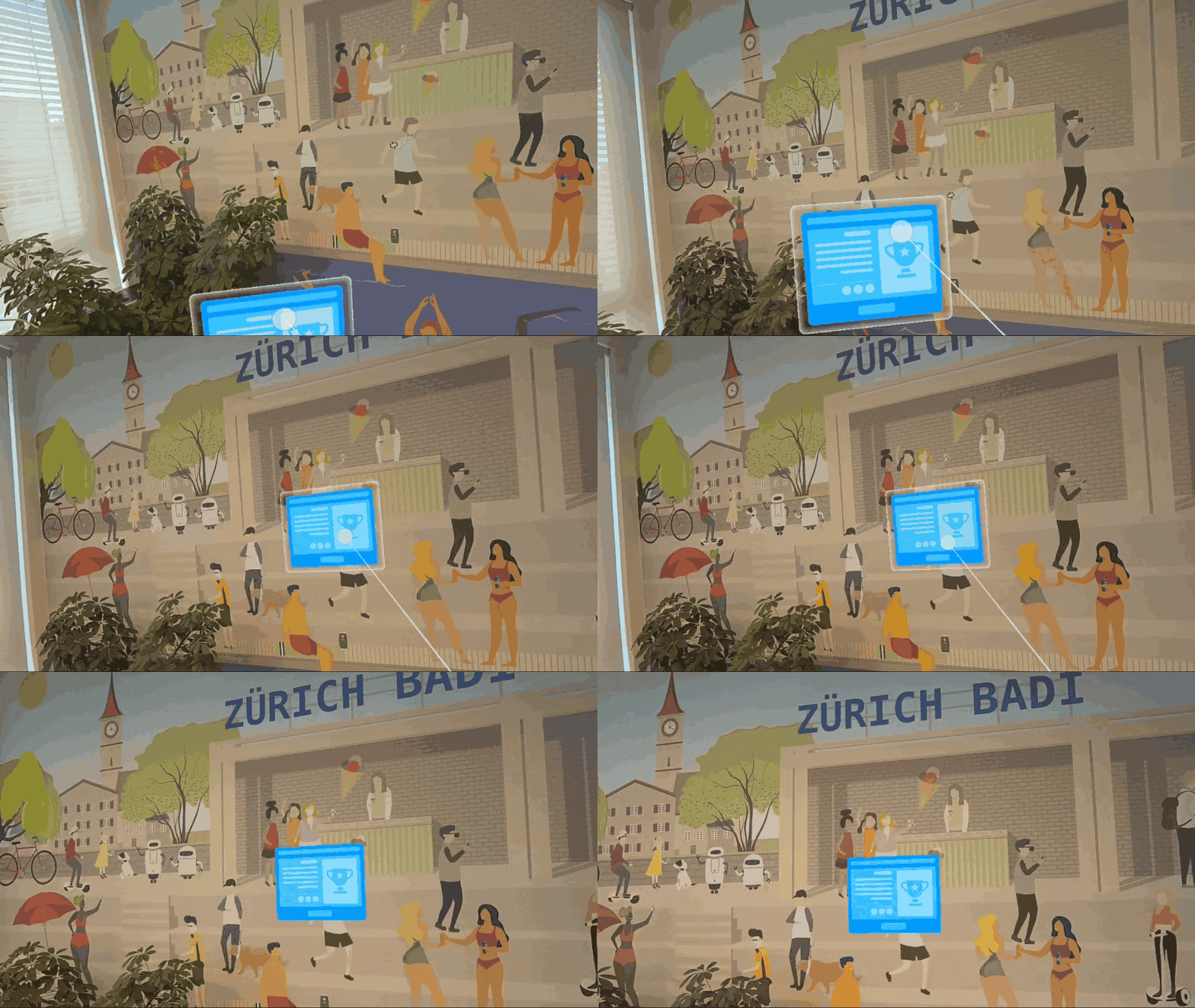
Designing by building
Traditional design tooling doesn't work for spatial computing. You can't evaluate the feel of a placement interaction in Figma. You can't judge mesh jitter from a mockup. You can't test whether occlusion is believable at a given edge feather without experiencing it in the headset. Mockups illustrate intent, but they can't surface the problems that matter in practice like latency, tracking accuracy, consistency, hand feel.
All of our design work is built and tested, working, on device. Prototypes served as the primary artifact: proving vision to secure investment, generating research stimuli for UX studies, stress-testing developer ergonomics before APIs shipped. Building the prototypes ourselves meant hitting the same walls developers would hit - and the workarounds we developed often informed what ended up in the final API.
Research at both ends of the platform
Platform design presents a layered research challenge. The developers building on these APIs are the immediate users, but the people experiencing their applications are the ones whose needs should ultimately drive platform decisions. Getting this wrong means shipping capabilities that are technically sound but don't serve the content people actually want to build.
We partnered with UX Research to structure studies that addressed both sides. On the consumer end, we ran qualitative value studies and quantitative threshold studies - building prototypes that simulated placement inaccuracies to identify how much positional and rotational error users tolerate across different object types, to understanding what use cases felt sticky and worth supporting.
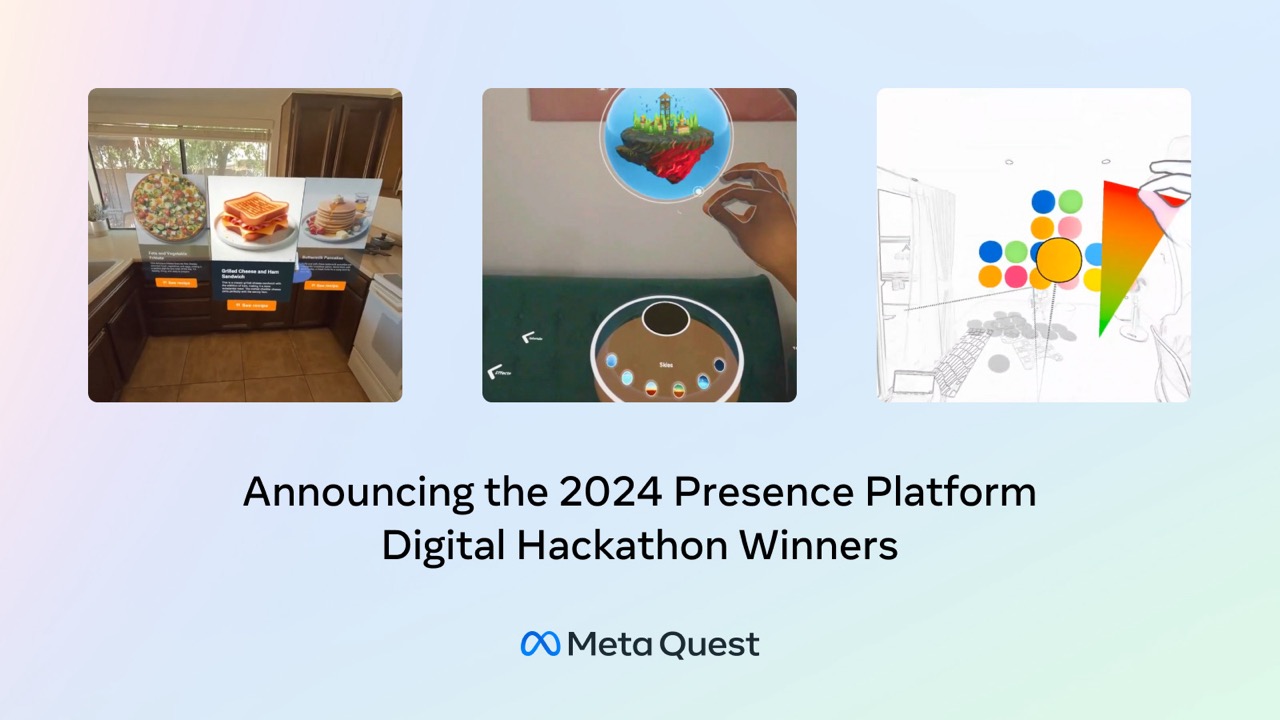
For developers, we maintained active outreach, hosted hackathons, and built with the APIs ourselves - surfacing friction that would block adoption before it shipped.
The foundation underneath
Quest is how most people experience mixed reality today. The spatial capabilities we built, from the scene model and spatial anchors to Instant Placement and the scanning flow, are the foundation underneath every MR experience on the platform. When developers build for mixed reality, they're building on this work.