Hyperscape
Photorealistic 3D environments from real-world scans
Creating 3D content and virtual environments is an entire industry spanning multiple disciplines, but there's a problem with it - it's not accessible to the average user. It takes a long time. It requires taste. It demands expertise and patience.
Hyperscape meets users where they are at, quite literally, and allows them to create photorealistic 3D environments of their physical space in minutes to share with others, or enjoy themselves.
I led design on Hyperscape capture with one goal in mind: Ask for as little as possible, and give as much as possible back.
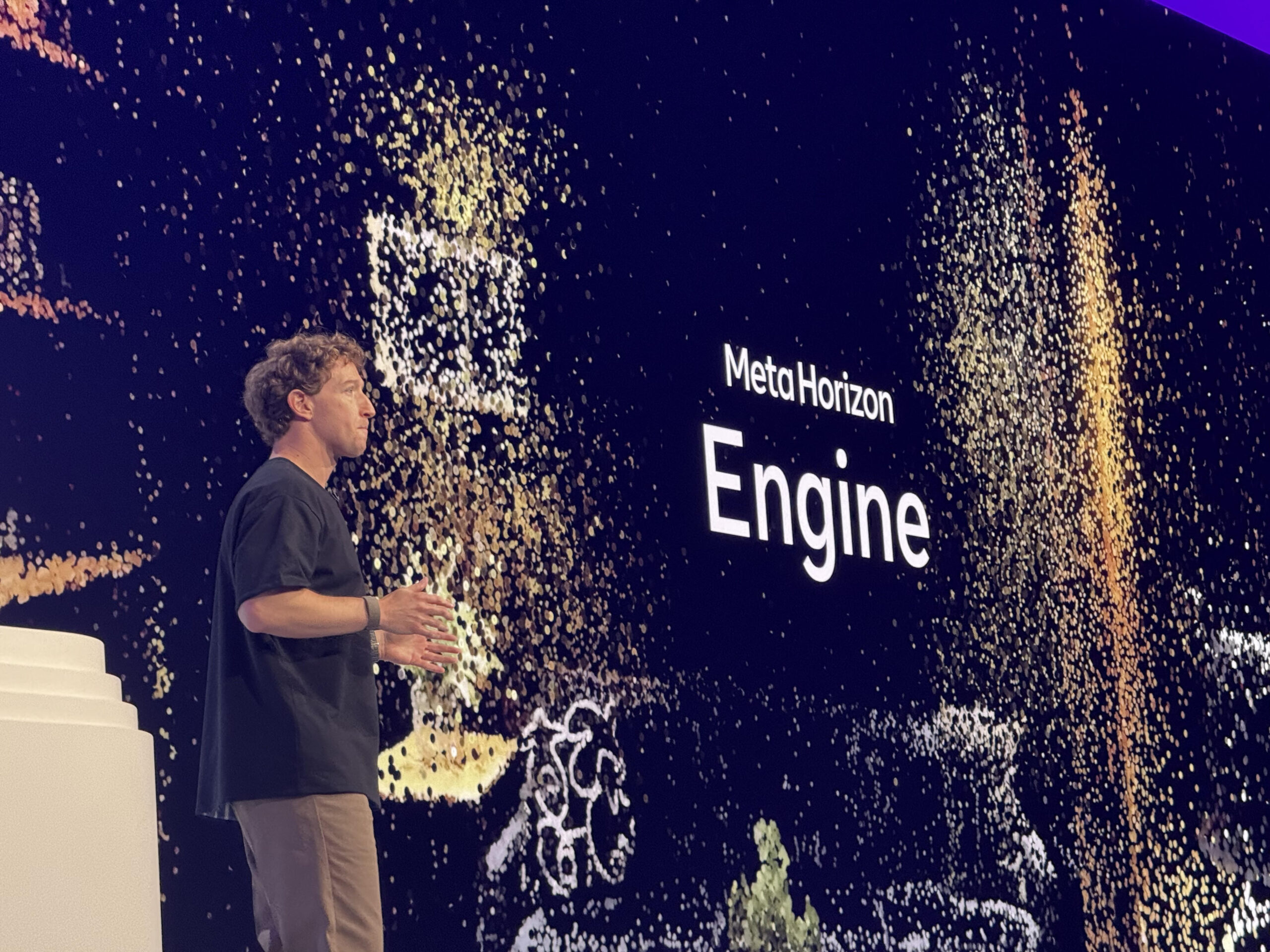
Hyperscape capture launched to the public at Meta Connect 2025, exceeded adoption targets by a large margin, and has received a warm reception from the press and the public.
Democratizing cutting edge content creation
Hyperscape launched at Meta Connect 2025 on Quest 3 and Quest 3S. Anyone with a Quest can now create industry-leading Gaussian splats of their space - results so convincing that viewers often can't distinguish them from video of the real thing. The product exceeded adoption targets, was recognized internally as a premier example of design innovation at Reality Labs, and press reception has been overwhelmingly positive.
Great results require a great scanning experience
Mind-blowing quality made simple
Hyperscape constructs Gaussian splats from images captured automatically as the user looks around. The quality of a scan depends directly on the physical capture behavior of the user. Move too fast and input frames are blurry. Miss an angle and there's a visible gap in the result. Hyperscape sets the industry bar for hyper realistic environments, and we need to deliver that level of quality with every scan.
Users shouldn't have to understand what goes into a great scan to get one. The first key step to accomplish this was to transition the scanning technology out of the mobile phone, and to put it on an HMD - allowing users to literally look around.
Of course, the problem then becomes how to naturally guide them to create great scans without making them feel like they are obeying a puppet master.
We accomplished this by creating just three steps, providing intuitive guidance with mesh reveals, leveraging AI to understand device motion and encourage good behavior or provide slight course corrections, and allowing users flexibility in just how detailed they wanted to get with their scan.
Tricky bit - we can't show a live preview
The splat requires being rendered in the cloud over the course of hours making real-time preview impossible. The capture flow has to steer the user's physical movement through space to produce good input data while giving them an understanding of what's been completed, and confidence they are 'doing it right'.
We explored approaches ranging from characters to follow around the room, complex multi-step flows, rendering dollhouse views, the list goes on for days. Ultimately, to avoid it feeling like a checklist, we erred on the side of less is more, and leaned heavily on user testing to see which behavior we could subtly nudge, and where we needed to step in with more concrete guidance, in order to allow the user to essentially operate 'blindly' and still be rewarded with an extraordinary environment to enjoy.
A tiered approach to user intervention
We landed on three feedback techniques that work at different levels of user attention:
Mesh visualization. We can't show the splat, but we can show the room mesh, a real-time visualization of what the device has seen so far. Users can see where gaps remain in their coverage and naturally fill them in without us having to tell them where to look. We found that "removing the mesh" conveyed a very complex task simply enough that it needed no extended explanation.
Haptics. Under the hood, we're capturing images whenever we detect a unique camera pose. As users fill in the details after their mesh has disappeared, small haptic clicks in their hands confirm when a new pose is logged, giving users a tactile sense that they're making progress capturing new details as they move and look around a space.
Tooltip guidance. For the few gotchas that reliably ruin a scan, we needed to be a bit on the nose. A lazy following tooltip that stays out of the main view provides feedback like "slow down" and "remember to look up!" via active analysis of user behavior and headset tracking.
Allowing 'done' to be flexible
In Hyperscape, we can't know the space ahead of time, and we don't know how many details there are to capture. Compounding this is that our research showed that different users care about different details. We couldn't have a hard definition of how 'done' a user was.
To help create a sense of progress and give feedback to users as they continued to improve their scans, we broke the flow into several steps:
A coarse scan step communicates doneness through erasing the visual mesh.
A details step communicates progress through haptics, and determines doneness via a flexible image requirement based on the size of the room but doesn't stop users from capturing more if they'd like to.
A final ceiling capture step reuses the mesh, and I wish we could remove it, but we just haven't found a reliable way to get people to look at their ceiling without asking yet.
It takes HOW long?!
A scan takes five to ten minutes to capture, depending on the size of the room and how much detail a user wants.
The cloud render takes up to eight hours. That's a brutal gap, and we are working on it, but especially for first-time users, we wanted there to be something to enjoy right away.
To solve this, we pre-seeded the experience with 'showcase worlds' - Hyperscapes of places like Gordon Ramsay's kitchen, Chance the Rapper's House of Kicks, the UFC Octagon, and more.
The moment a user finishes their first capture, they can immediately step into a polished Hyperscape with friends and build excitement (and expectations!) for their own Hyperscape as it processes.
Of course, they aren't trapped there - people can use the device as normal or take it off; receiving a notification when it's ready.
Where it landed
Next steps
Hyperscape shipped and people love it, but the experience has clear gaps worth solving.
Capture requires a headset. Right now, creating a Hyperscape means owning a Quest. That's a hard ceiling on the creator audience. We're exploring how we can remediate this, so stay tuned for details I can share publicly.
No way to refine. If a scan has a weak spot (a blurry corner, a missed shelf) there's no way to go back and patch it. Users have to start over or live with the result. Being able to touch up and modify a scan would be a massive quality of life improvement for users.
Scan time. Five to ten minutes is manageable, but it's not casual. We're actively exploring how AI can allow for much sloppier input so we can make the capture experience very fast, or potentially remove the need for it entirely.